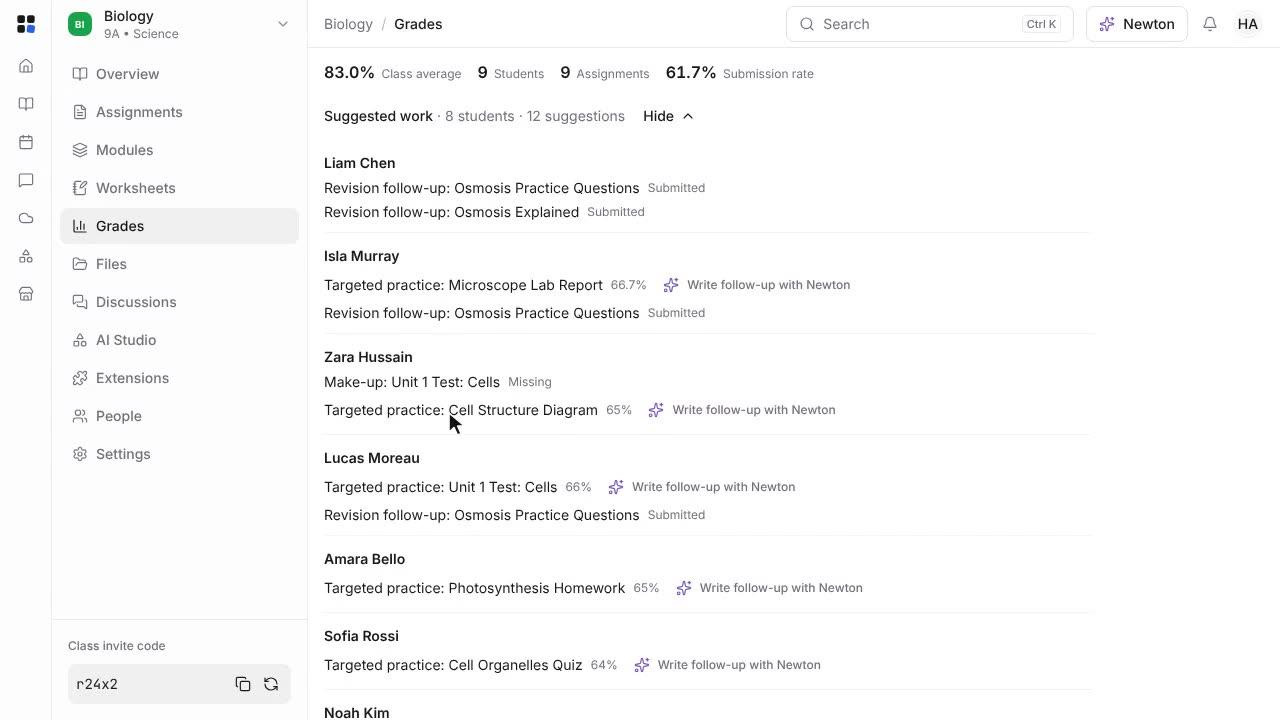
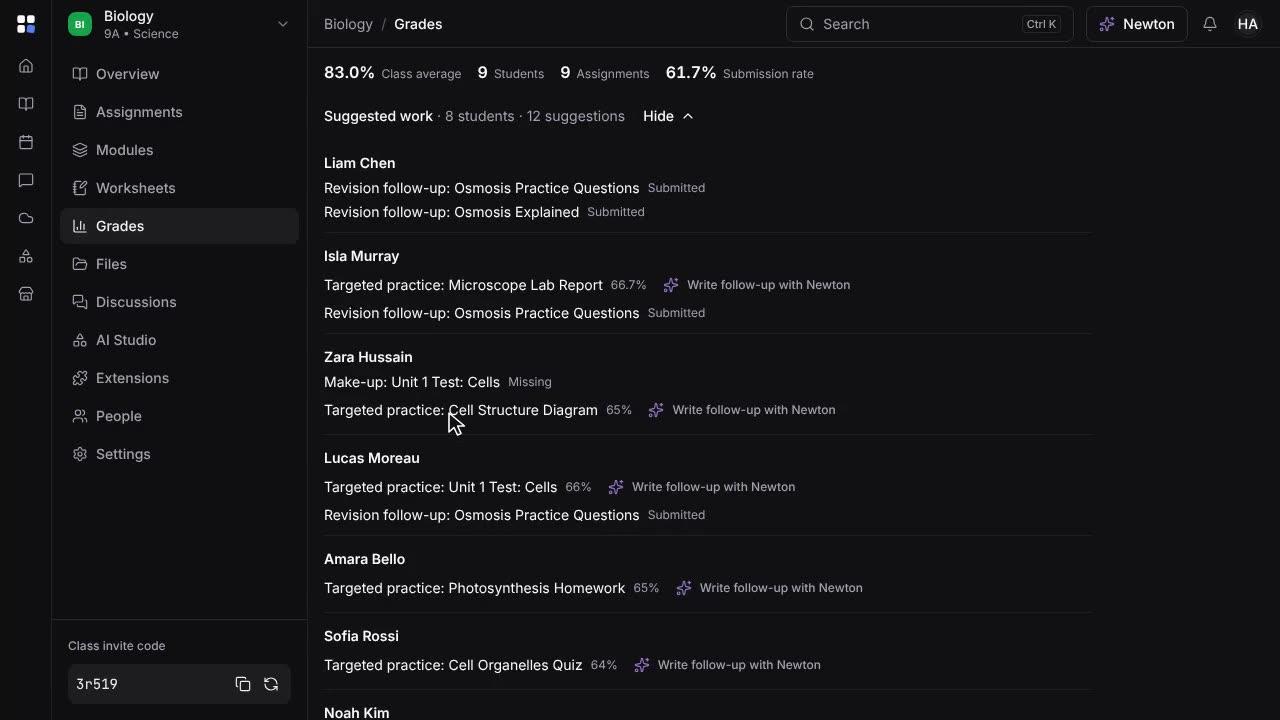
Ask Newton about a student's progress
Open a student's progress from the gradebook, read the summary and Newton's notes, and ask Newton where the student is struggling.
Length: 0:42 min
The voiceover is a synthetic voice. Captions are in English.
Steps
- Open Grades and click a student's name.
- The top of the page shows their overall grade, how much work is done, and what is missing or scored low.
- Further down are their marks over time, Newton's notes and a forecast, and suggested work for them.
- At the bottom, ask Newton a question about the student, such as where they are struggling.
- Newton answers from their marks, missing work and your feedback, and suggests what might help.