Tutorials
Learn Studious in a few minutes
Start with a short tour of Studious, then pick a task. Each tutorial is a short video with a voiceover and captions, and comes with the same steps in writing.
Meet Studious
A short tour of Studious: a class with its syllabus, modules, worksheets, marking, gradebook and attendance, then AI Studio, marking with Newton, the Agenda and what students see, including a timed quiz and an interactive input on a hand-in type of your own.
Length: 1:40 min
The voiceover is a synthetic voice. Captions are in English.
Set up a class
Create a class, invite students, lay out the term and keep track of your schedule.
 Length: 0:44
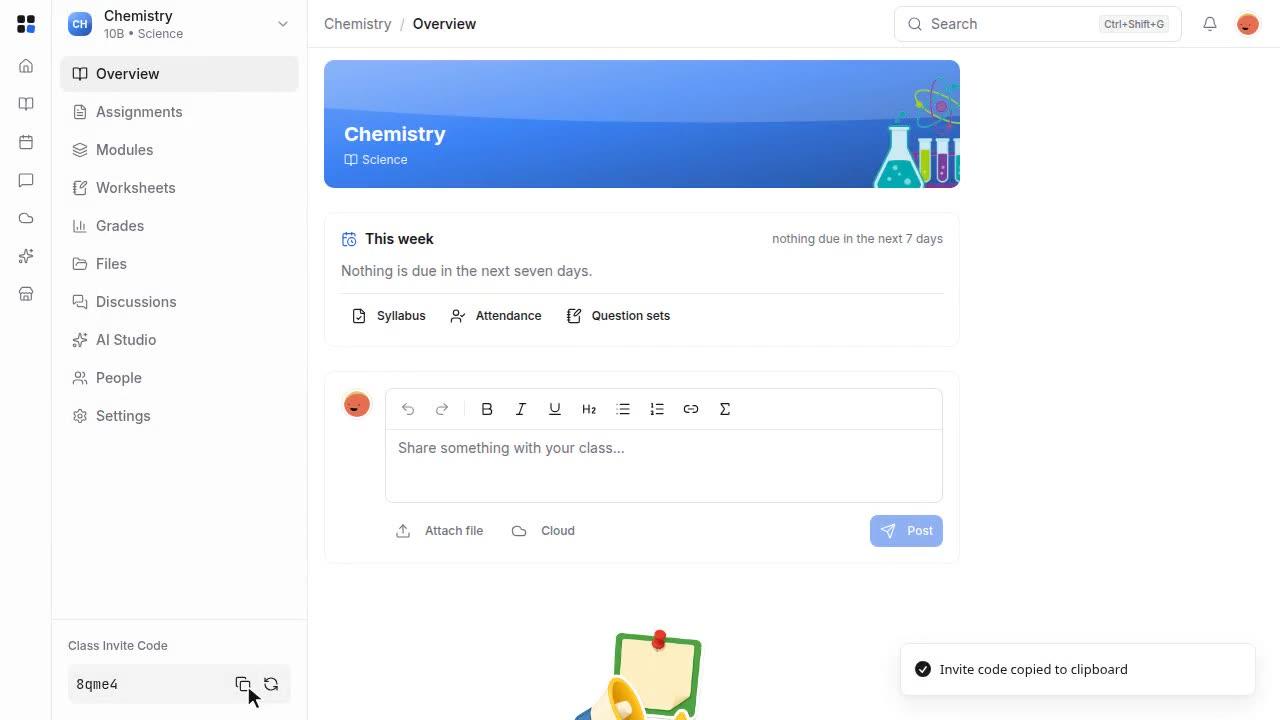
Create a class and invite students
Set up a new class and share its invite code so students can join.
 Length: 0:55
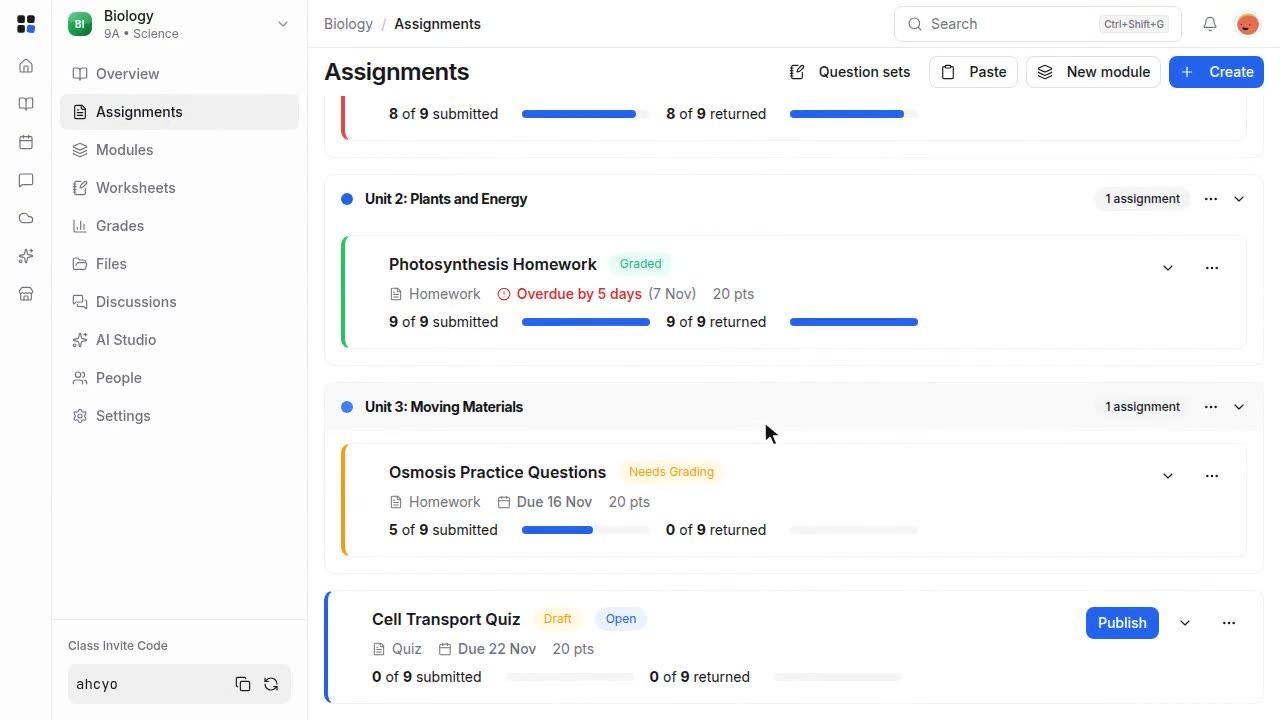
Plan a class with modules
Group class work into a module and publish it so students can see what comes next.
 Length: 1:08
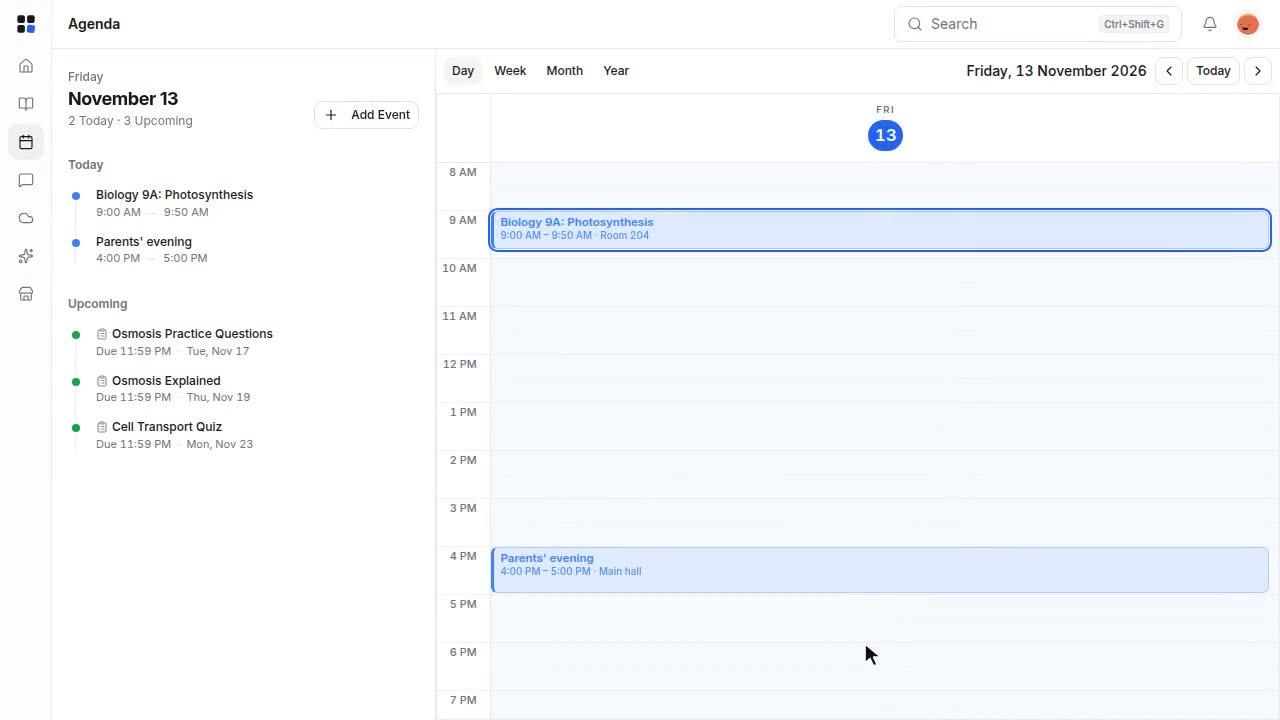
Plan with the Agenda
See lessons, events and due dates on one calendar, switch views and add your own event.
Set work
Assignments, worksheets and timed quizzes.
 Length: 0:53
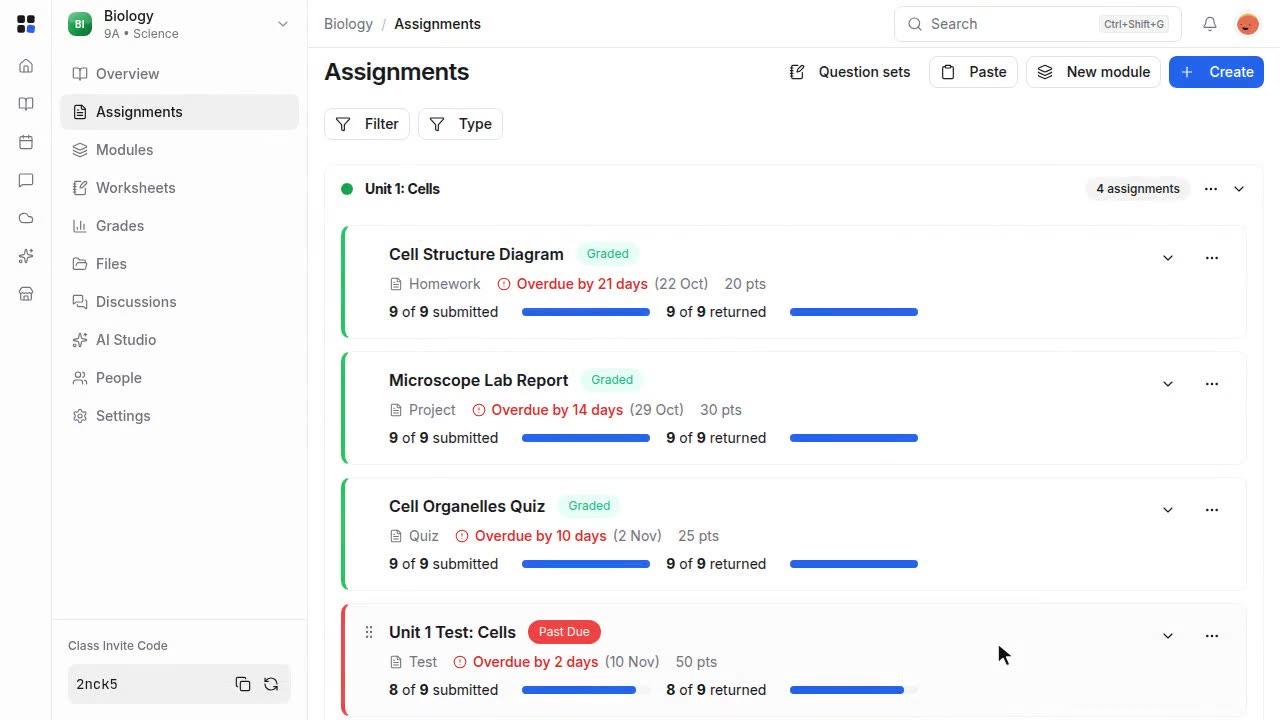
Create and publish an assignment
Write an assignment, save it as a draft, then publish it to your class.
 Length: 1:06
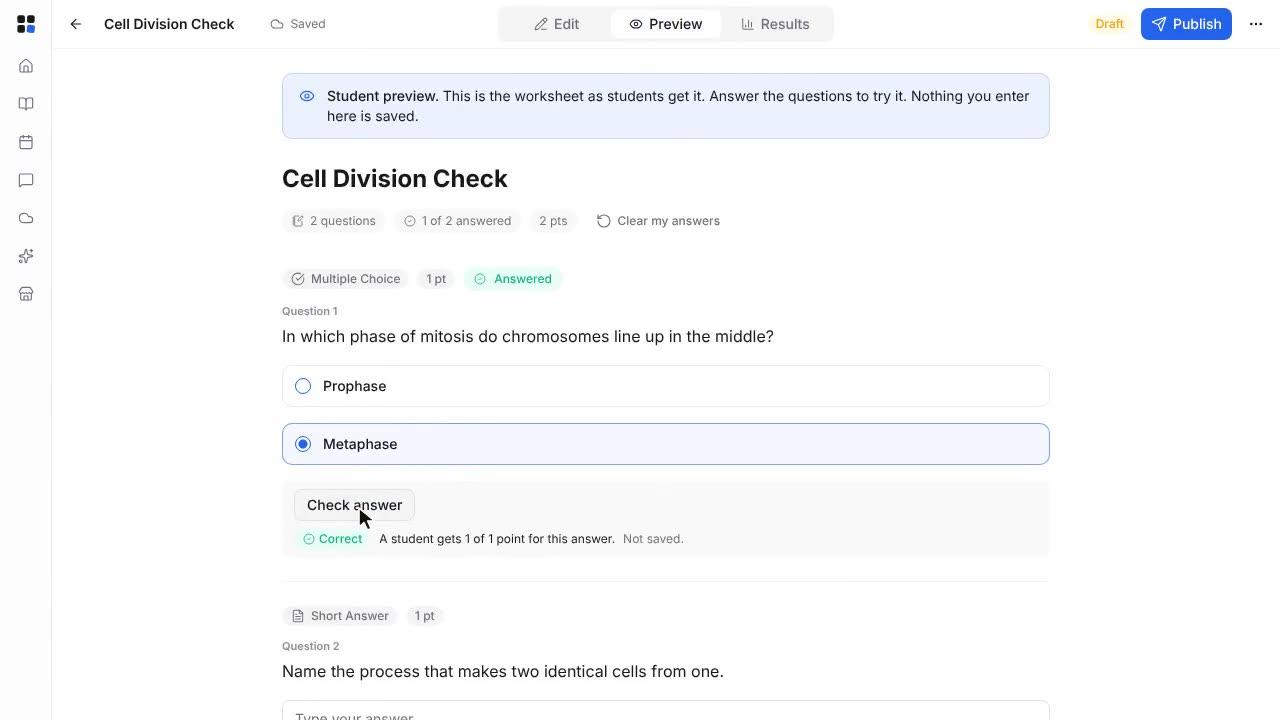
Build, preview and publish a worksheet
Create a worksheet with questions, try it as a student, then publish it.
 Length: 1:19
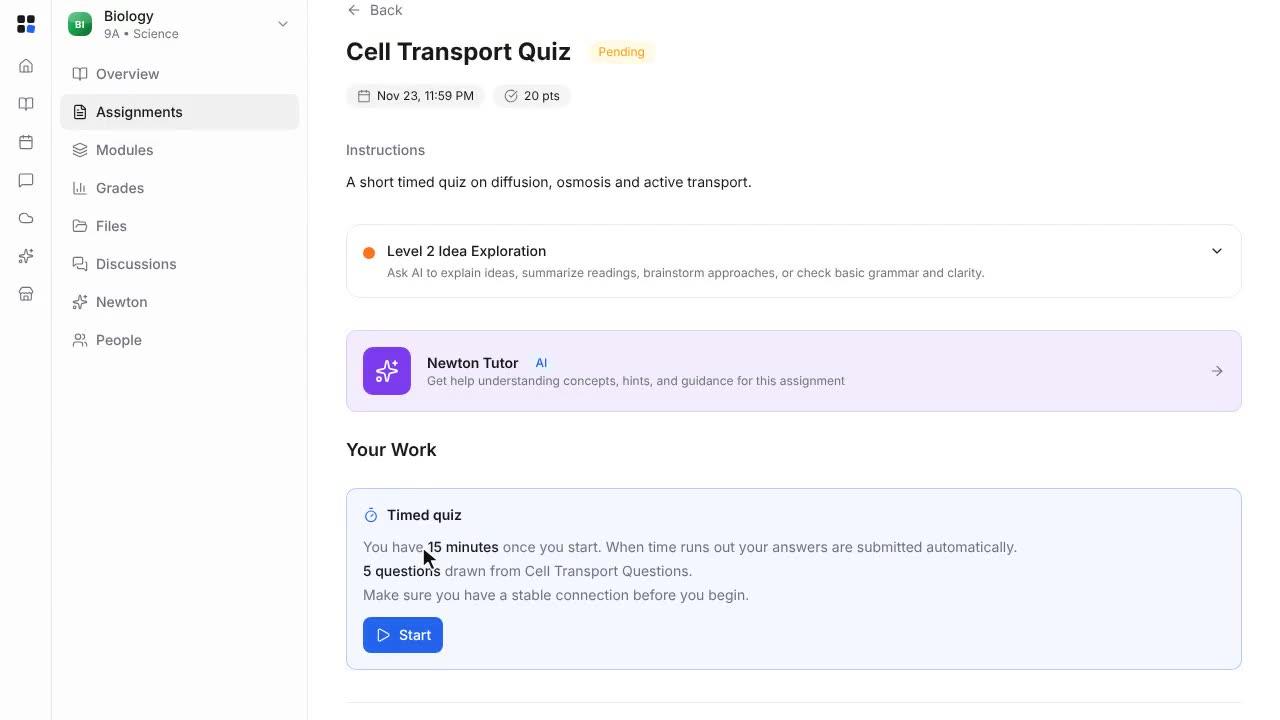
Set a timed quiz from a question bank
Turn a worksheet into a question bank, then set a timed quiz that draws questions from it.
Mark and keep track
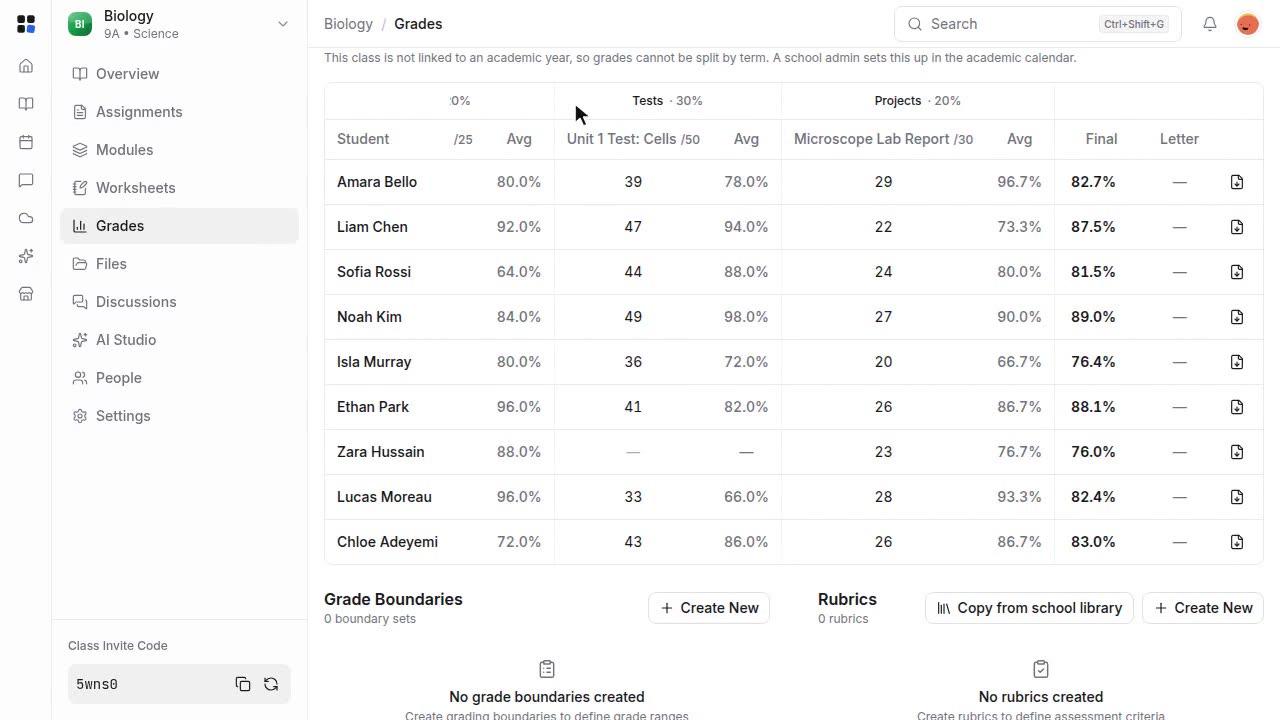
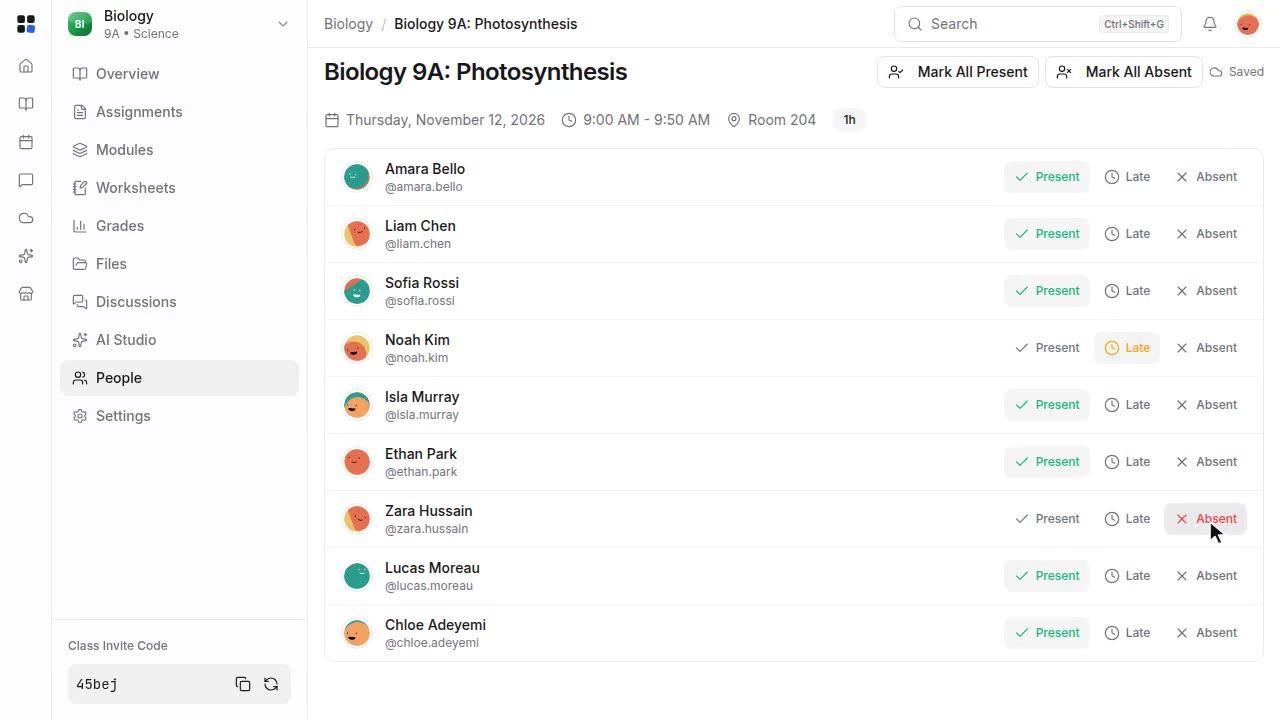
Grade work, read the gradebook and take attendance.
Work with Newton
Let Newton, the built-in AI assistant, help you prepare, study and mark.
 Length: 1:00
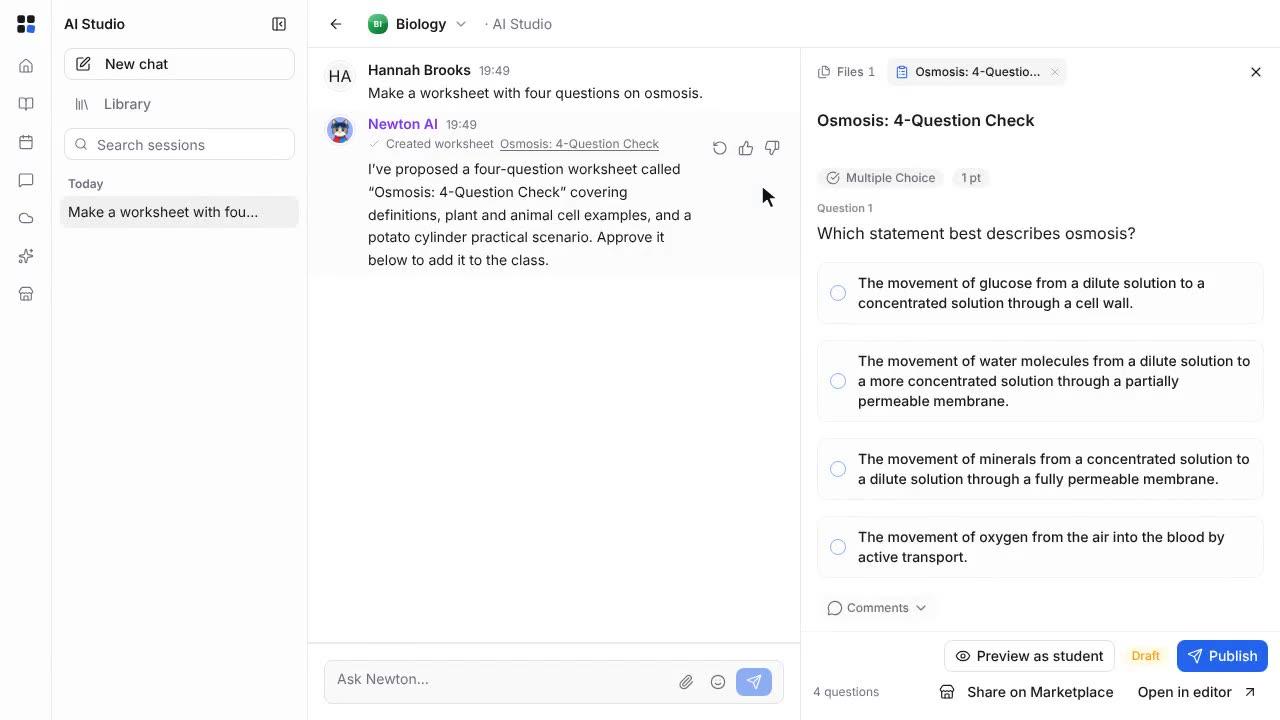
Create a worksheet with Newton
Ask Newton in AI Studio for a worksheet, approve it, preview it as a student and publish it.
 Length: 1:16
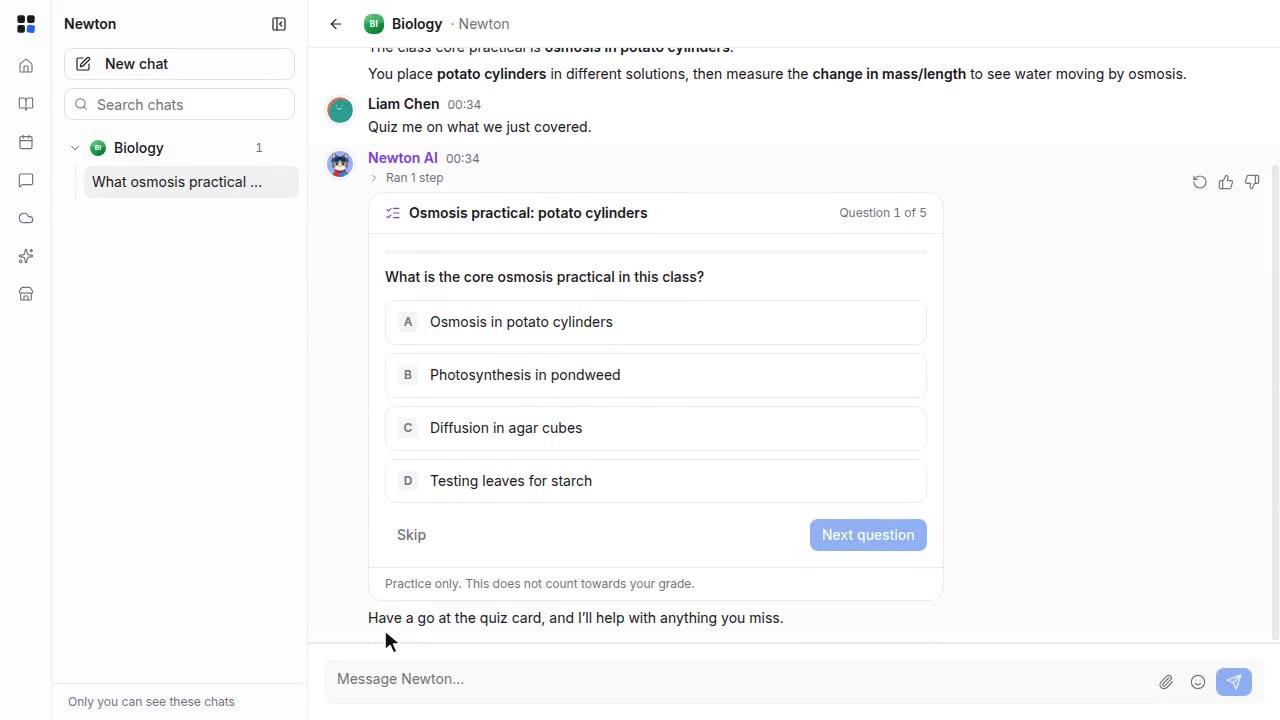
Study with Newton
Ask Newton a question about your class, then check what you know with a short practice quiz.
 Length: 1:08
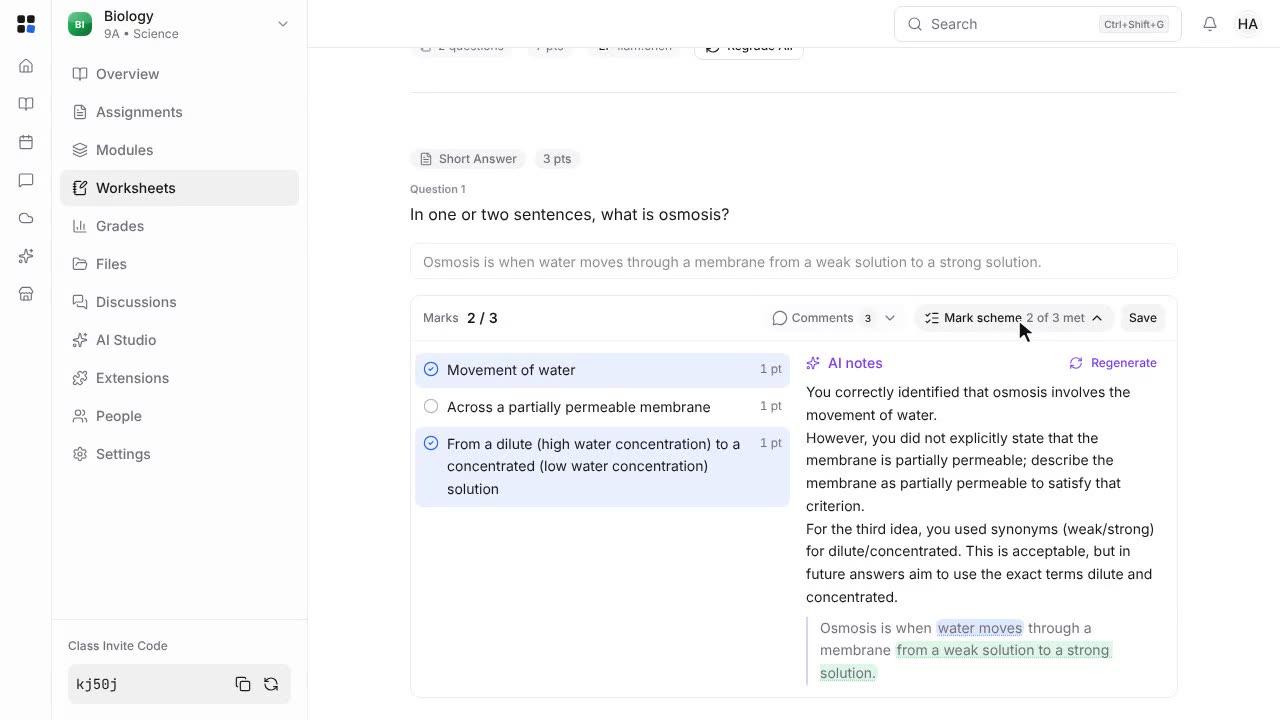
Mark short answers with Newton
Ask Newton to mark a student's worksheet answer against your mark scheme, then review the result and save.
 Length: 1:22
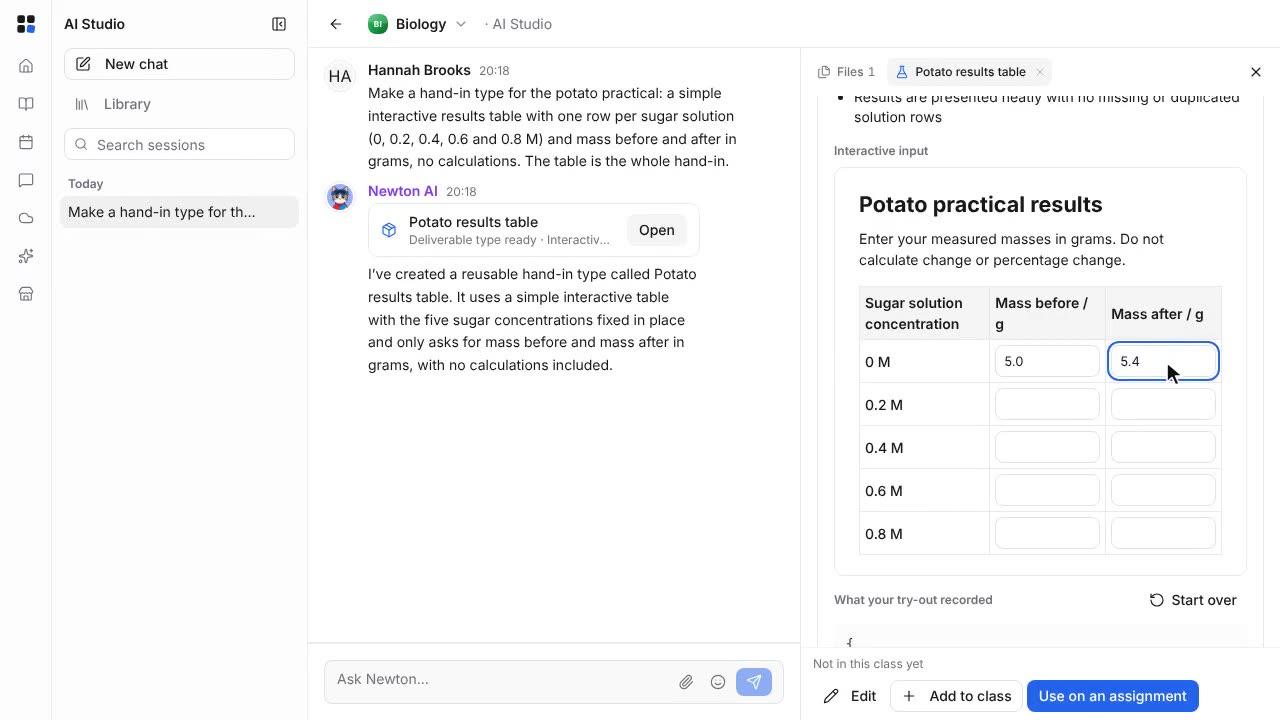
Make an interactive input in AI Studio
Ask Newton in AI Studio for a hand-in type with an interactive input, try it, and use it on an assignment. Students answer in it, and you see their answer when you mark.
