Meet Studious
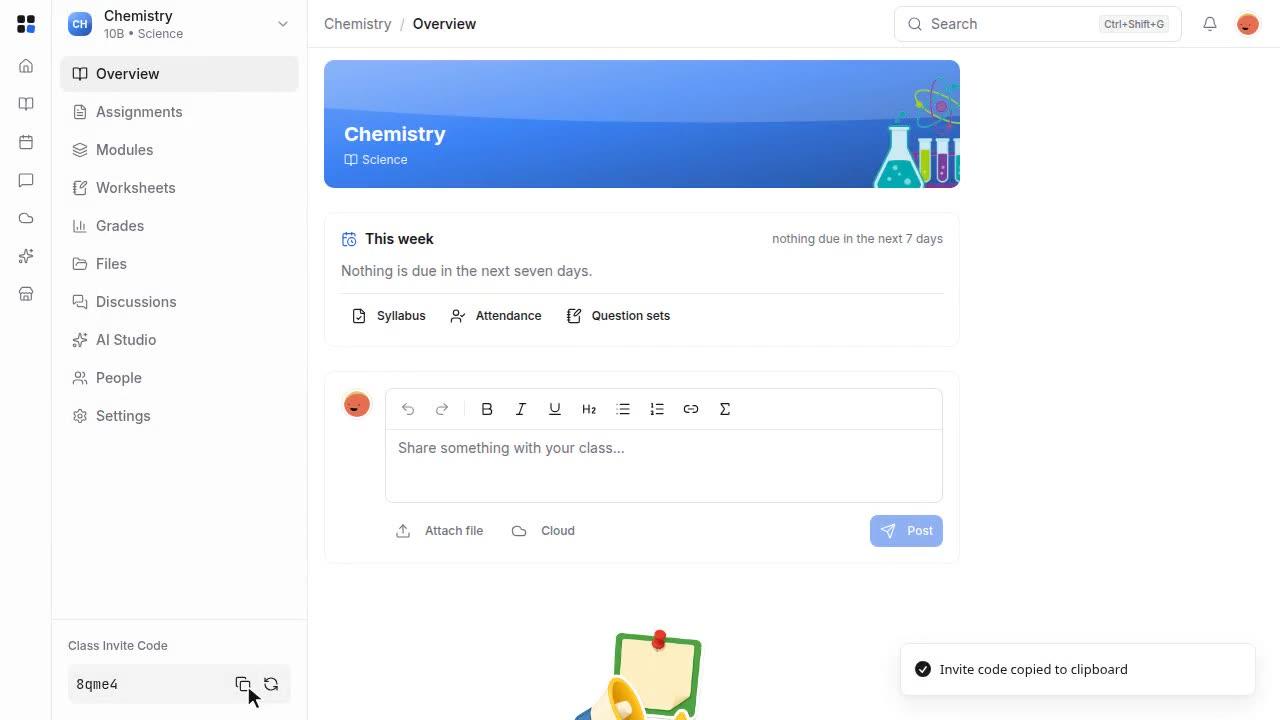
A short tour of Studious: a class with its syllabus, modules, worksheets, marking, gradebook and attendance, then AI Studio, marking with Newton, the Agenda and what students see, including a timed quiz and an interactive input on a hand-in type of your own.
Length: 1:40 min
The voiceover is a synthetic voice. Captions are in English.
Steps
- Each class has one home for its plan, its work and its people.
- The syllabus sets out the course and its assignments.
- Modules lay out the term, so students see what comes next.
- Worksheets are built in the browser, with multiple choice marked for you.
- Assignments collect hand-ins, and you mark each one next to the student's work.
- The marks go into the gradebook, where you can also type one straight in.
- Attendance takes a few clicks per lesson.
- In AI Studio, you ask Newton for a worksheet, and it drafts one for you to approve.
- Newton can also mark a written answer against your mark scheme.
- The Agenda puts lessons and due dates on one calendar.
- Students see the same class, with their own work and marks.
- They take timed quizzes, with questions drawn from a question bank.
- On a hand-in type you made, they fill in an interactive table that saves as they type.
- They can ask Newton about the class, and it answers from their course.
- That is Studious. The tutorials below go through it step by step.