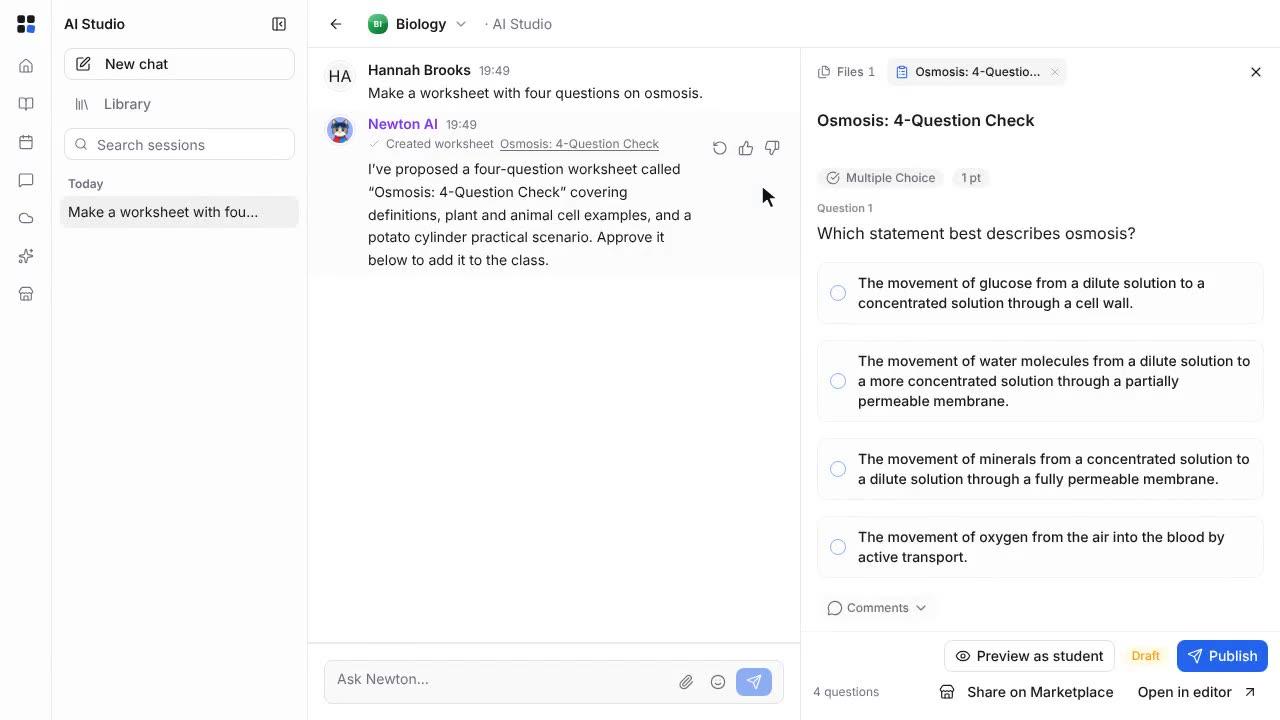
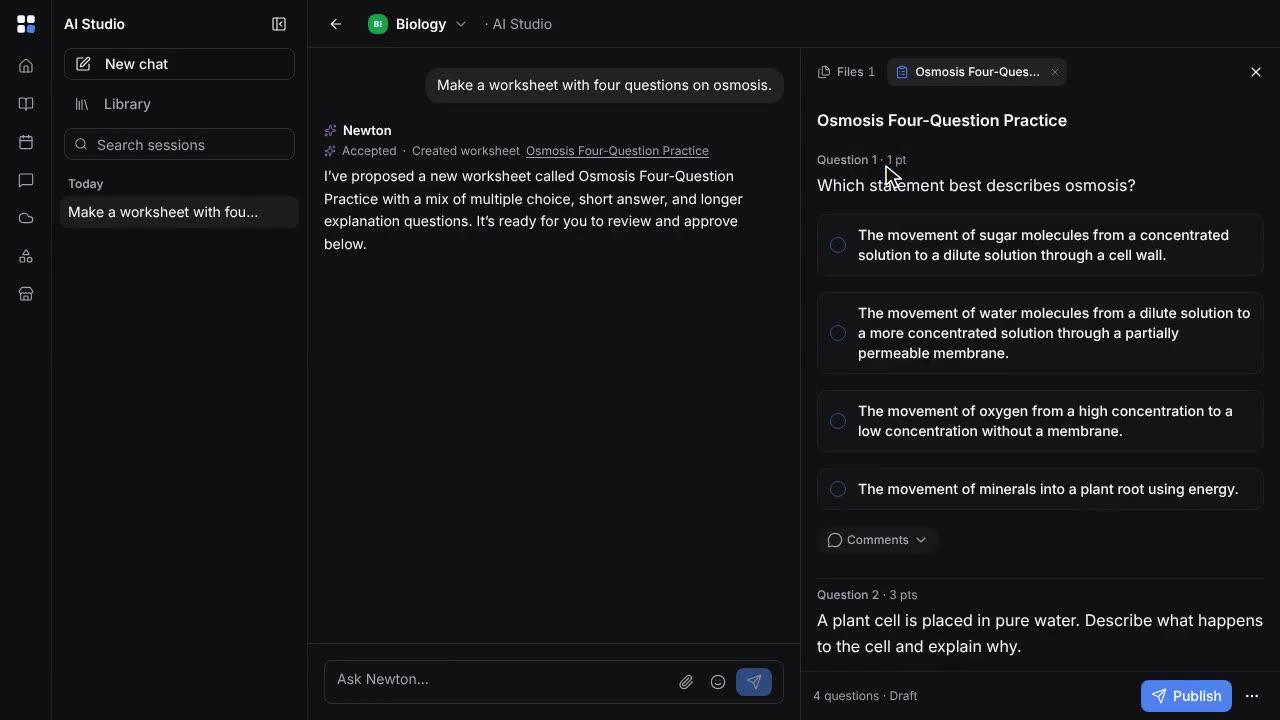
Write follow-up work with Newton
Find suggested work in the gradebook, have Newton write follow-up practice for one student from their marking, then review the draft and assign it.
Length: 1:03 min
The voiceover is a synthetic voice. Captions are in English.
Steps
- Open Grades. Suggested work at the top counts the students with missing, low-scoring or unmarked work.
- Click Review to see each suggestion, student by student.
- Next to a low score, click Write follow-up with Newton. The student's submission opens at Follow-up work.
- Choose the type of follow-up, such as more practice or a reteach, and how many questions it should have.
- Click Write follow-up with Newton. Newton writes it from what the student lost marks on, and saves it as a draft.
- Click Review draft to read the assignment Newton wrote. Only this student is on it, and they see nothing yet.
- When it is ready, edit anything you need to, and publish it to assign it to the student.