Make slides and a handout with Newton
Ask Newton in AI Studio for a short slide deck and a handout, look through both, and find them again in the Library.
Length: 0:57 min
The voiceover is a synthetic voice. Captions are in English.
Steps
- Open your class and click AI Studio.
- Ask for the slides and the handout in one message, and say how long each should be.
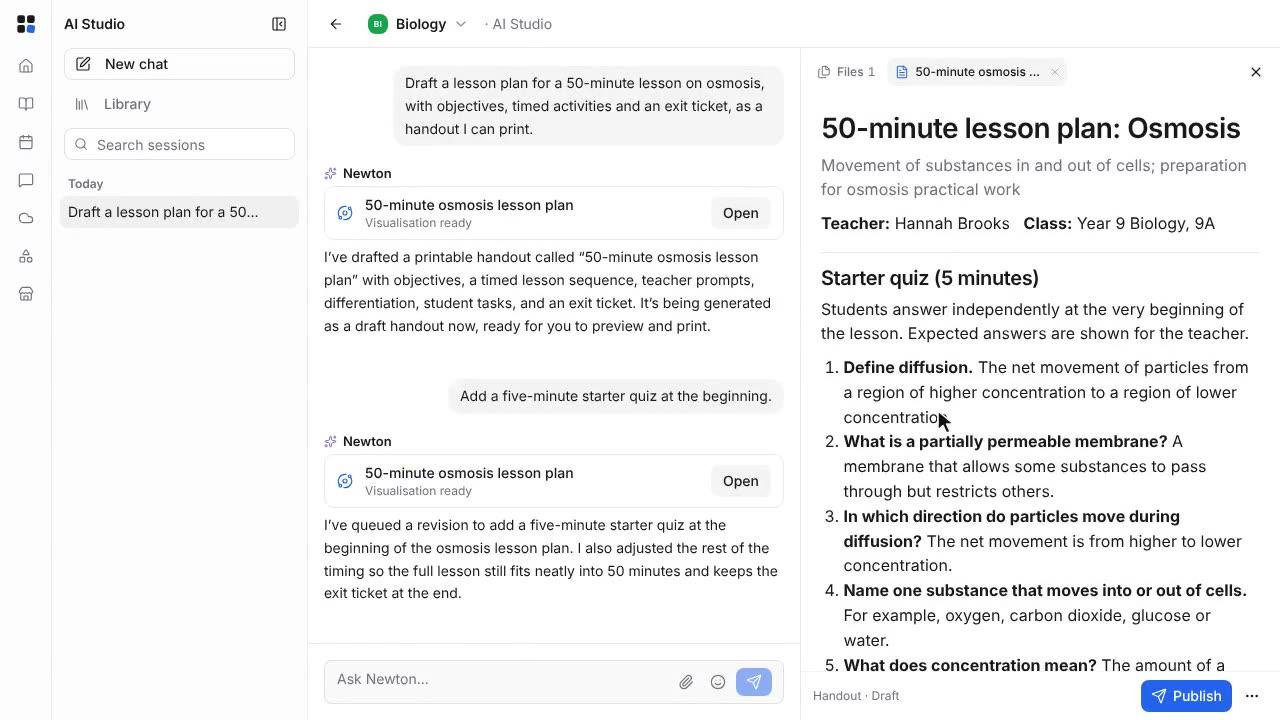
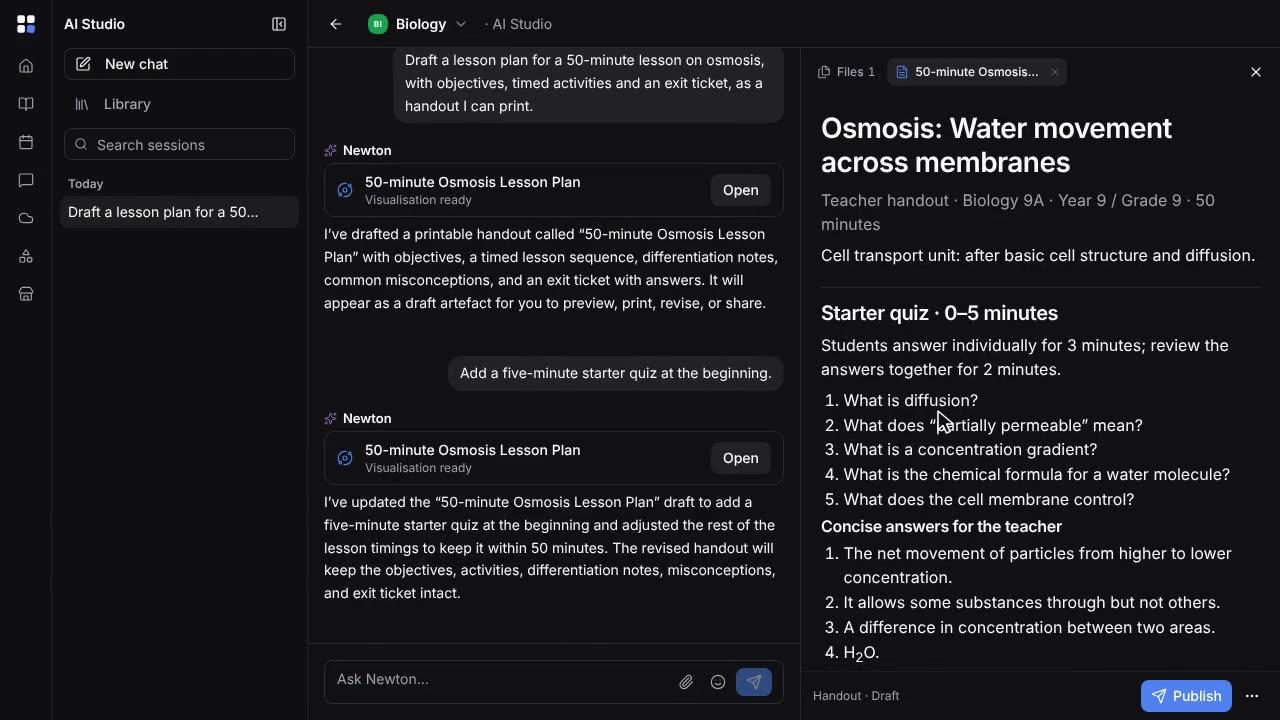
- Newton writes both, one after the other, which takes a few minutes. Each one appears in the chat when it is ready.
- Open the slides beside the chat, and step through them with the arrows.
- Open the handout to read it. Both are drafts that only you can see.
- Everything Newton builds is kept in the Library, with its kind and whether it is published.
- Open the slides from the Library to present them full screen, or to print them or save them as a PDF.