Plan a lesson with Newton
Ask Newton for a lesson plan with objectives, timed activities and an exit ticket, change it with a follow-up message, and print it from the Library.
Length: 0:51 min
The voiceover is a synthetic voice. Captions are in English.
Steps
- Open your class and click AI Studio.
- Ask for a lesson plan, with the length of the lesson and what it should include. Asking for a handout gives you a plan you can print.
- Newton drafts the plan for your class, which takes a minute or two. It opens beside the chat.
- Scroll through the objectives, the timed activities and the exit ticket.
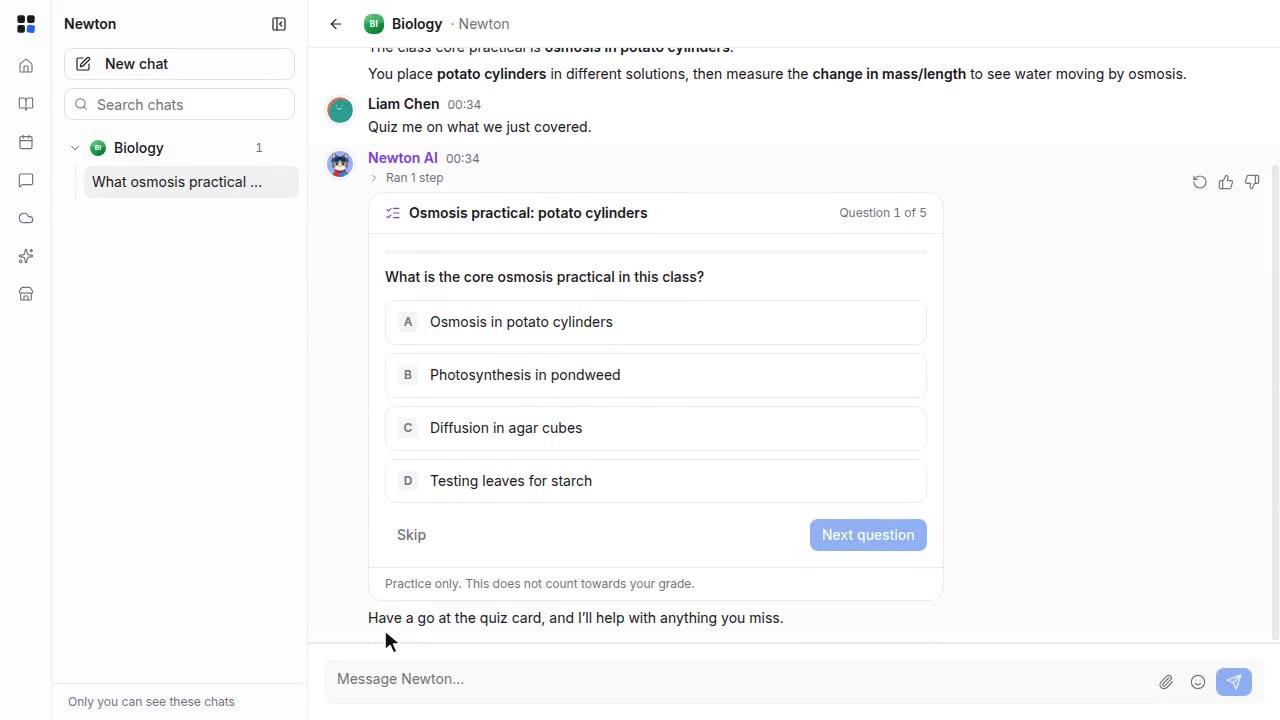
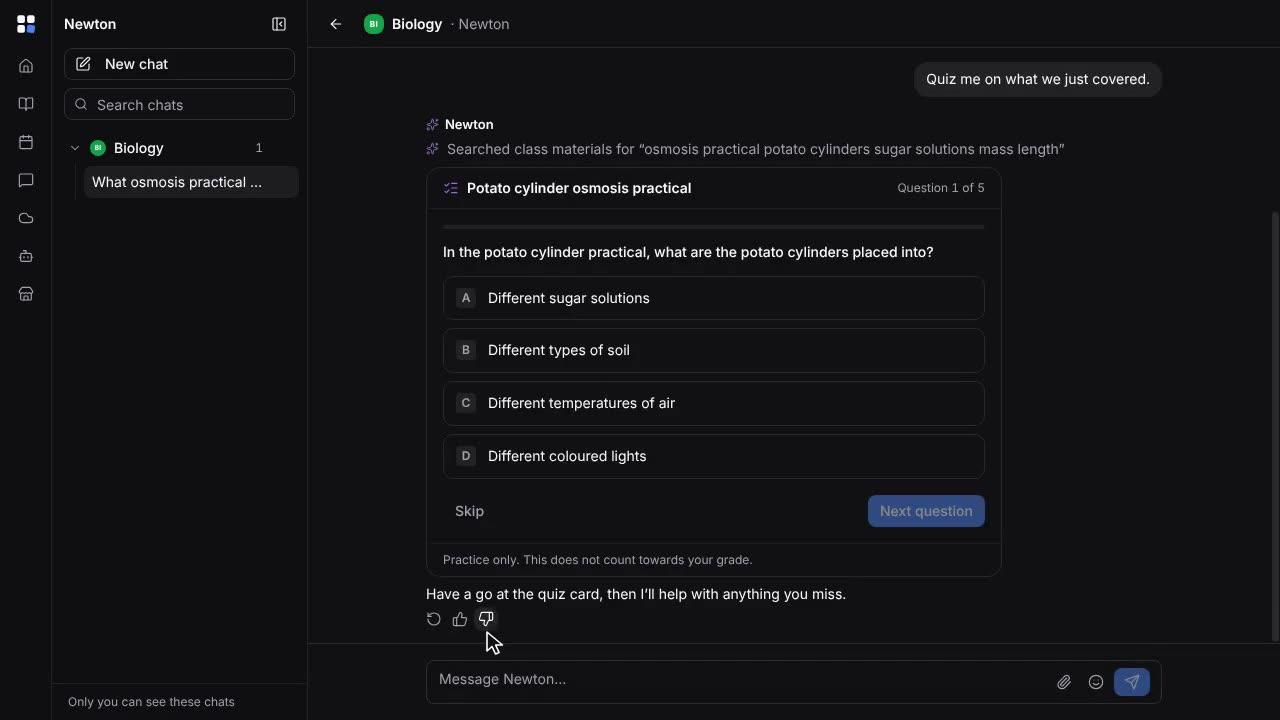
- To change something, just ask. Here, Newton adds a starter quiz, and the plan updates beside the chat.
- The plan stays a draft that only you can see. Open it from the Library, and click Print / save as PDF.